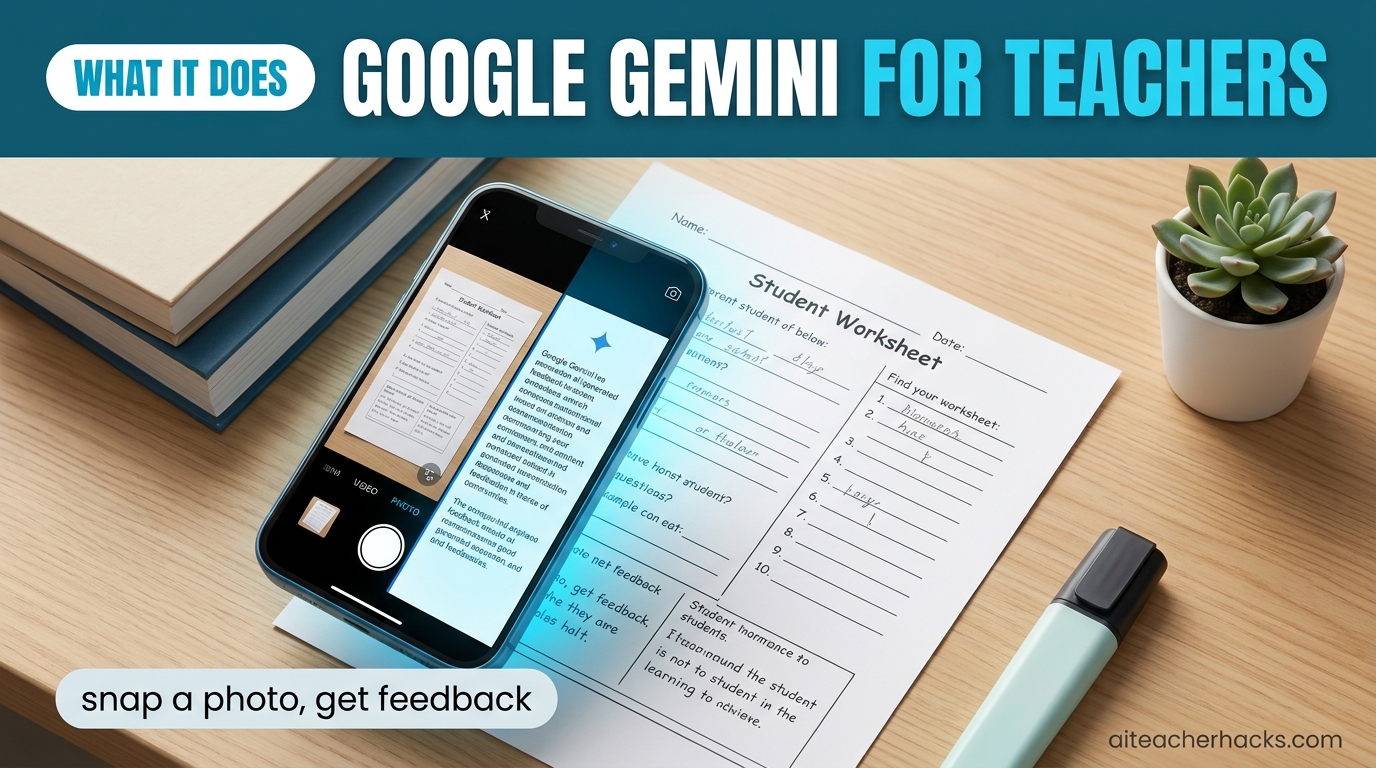
If your school runs on Google Workspace, Gemini is already sitting inside your Google Classroom right now — and most teachers have no idea it is there.
In this Google Gemini for teachers review, I will cover exactly what Gemini does inside Google Classroom in 2026, which features are genuinely free, where it outperforms dedicated teacher AI tools, and where it still falls short. No fluff — just what actually matters for your classroom.
Table of Contents
What Is Google Gemini for Teachers?
Google Gemini is Google’s AI assistant — think of it as Google’s answer to ChatGPT. But for teachers, the most important version is not the standalone Gemini app. It is Gemini inside Google Classroom.
Google is providing Gemini in Classroom to all educators with Google Workspace for Education accounts at no cost. This includes AI tools for content creation, lesson planning, differentiation, choice boards, translation, rubric conversion, and student feedback — built directly into the platform your school already uses.
That is the headline: if your school uses Google Workspace for Education — which most US schools do — you already have access to a growing set of AI tools inside the platform you use every day. No new login. No new platform to learn.
Who Is Google Gemini For?
Gemini for teachers makes the most sense if:
- Your school already uses Google Classroom daily
- You assign and grade work inside Google Docs and Google Classroom
- Your students use Google Workspace accounts
- You want AI that works inside tools you already know
If your school does not use Google Workspace, Gemini loses most of its advantage. In that case, MagicSchool AI or ChatGPT are better starting points.
What Gemini Can Do Inside Google Classroom — Feature by Feature
1. Lesson Plan and Content Generation
Teachers can use Gemini to generate lesson plans, quizzes, rubrics, vocabulary lists, reading comprehension questions, and differentiated assignments — all tailored to actual class context.
This is where Gemini has a real advantage over standalone tools like ChatGPT. Because Gemini knows your class context inside Google Classroom — your grade level, subject, and uploaded materials — it generates content that is more relevant than a generic prompt in a separate app.
2. AI-Suggested Feedback on Student Writing
This is the most significant new feature for teachers in 2026. Teachers can select “Help me write” when adding private comments on an assignment, prompting Gemini to suggest draft feedback tailored to a student’s work, grade level, and selected focus areas. Educators can then review, edit, and refine the content before sharing it with students.
By highlighting a student’s strengths and identifying specific areas for improvement, this feature empowers educators to do their best work while ensuring every student feels heard and supported.
Honest take: This is essentially Brisk Teaching functionality built directly into Google Classroom. If your school has Education Plus, you may not need Brisk at all.
3. Audio Lessons — Podcast-Style Learning
This is a genuinely new and interesting feature. Recent BETT 2026 updates added Audio Lessons, which generate podcast-style lessons customizable by grade level, topic, learning objectives, and conversation style.
Navigate to the Gemini tab in the navigation bar in Google Classroom to access audio lesson generation. Students listen to AI-generated podcast-style explanations of topics — useful for auditory learners, ESL students, and homework review.
No other teacher AI tool currently offers this. It is genuinely unique to Gemini.
4. Teacher-Led NotebookLM Study Guides
Educators can select resources from their class and instantly create an interactive study guide and podcast-style Audio Overviews for students, grounded only in the materials educators upload.
This is powerful for exam prep. You upload your unit materials, and Gemini generates a student-facing interactive study guide based exclusively on what you actually taught — not generic internet content.
As of July 2026, NotebookLM was renamed Gemini Notebook, with a deeper Gemini integration and a couple of genuinely new features. See our full NotebookLM (Gemini Notebook) review for pricing, honest limitations, and how it compares to the main Gemini app.
5. Custom Gems — Personalized AI Tutors
Educators can create Gems — custom versions of Gemini — for students to interact with. A Gem is essentially a custom AI assistant you configure for a specific purpose — a writing coach, a math tutor, a Socratic discussion partner — all grounded in your classroom materials and rules. See our step-by-step guide to building a Gem, with 5 ready-to-paste templates for lesson plans, parent emails, and feedback.
6. Revamped Classroom Dashboard
The Classroom homepage is transforming into an actionable dashboard with student engagement metrics for school leaders, class insights for educators, and upcoming deadlines for students to help them stay organized.
For teachers, this means seeing at a glance how students are engaging with assignments — without manually chasing data across multiple tabs.
7. SAT Prep for Students
Students get their own Gemini-powered features including free SAT prep through full-length Princeton Review practice tests, audio overviews for studying lectures and textbooks, and the ability to create study guides from class materials.
For high school teachers, this alone is a compelling reason to make sure students are using their Google Workspace accounts actively.
Google Gemini Pricing for Schools — What Is Actually Free?
This is where it gets confusing. Here is the honest breakdown:
Education Fundamentals is free and includes core Workspace tools plus Gemini for Education at no cost — including Gemini in the Gemini app, Classroom integration, and enterprise-grade data protections. Available to all qualifying educational institutions.
Plan | Price | Gemini/AI Situation |
|---|---|---|
Education Fundamentals | Free for qualifying institutions | Includes Gemini for Education, Gemini in Classroom, Gemini Notebook (standard limits), and Audio Lessons at no cost |
Education Standard | ~$3 per student per year | Adds enhanced security and admin controls; no additional Gemini features beyond Fundamentals |
Teaching & Learning Add-on | ~$6 per license per month (or ~$60/year billed annually) | Adds AI-suggested feedback on student writing, expanded NotebookLM limits (more notebooks, sources, flashcards), premium Meet features |
Education Plus | Currently listed at ~$6 per user per year on Google’s comparison page | Most complete tier — everything in Standard and Teaching & Learning, plus advanced analytics and device management |
What this means practically: Most teachers on the free Education Fundamentals plan get Gemini in Classroom, Audio Lessons, standard-limit NotebookLM, and the core AI tools at no cost. The AI-suggested feedback feature for grading, and higher NotebookLM limits (more notebooks, sources and flashcards), require Education Plus or the Teaching & Learning add-on.
Google also offers a separate Google AI Pro for Education add-on (launched September 2025, replacing the old Gemini Education Premium add-on) for institutions wanting expanded Gemini model access beyond what these editions include.
Important pricing note: Google restructured its education pricing between October 2025 and February 2026, and per-user costs for several tiers increased as part of that change. The figures above are current list prices as of mid-2026 — verify directly with Google or an authorised reseller, since your institution’s actual price can differ by contract timing, enrollment size and region.
Student access: Gemini in Classroom was initially limited to students 18 and older, but Google expanded it to students of all ages, including K–12, starting August 2026 — administrators can still restrict access for under-18 students if they choose. Don’t assume every student in your class can use it; check with your IT administrator.
Check with your IT administrator which plan your school is on before assuming you have or do not have a specific feature.
Google Gemini Pros and Cons for Teachers
Pros
- Gemini offers the strongest FERPA compliance at the free tier among all general-purpose AI tools — critical for US teachers
- Works inside Google Classroom — no new platform to learn
- Audio Lessons feature is unique — no other teacher AI tool offers this
- Free for all Google Workspace for Education schools
- Student-facing features including SAT prep and study guides built in
- Custom Gems for personalized student AI experiences
- Constantly updated — Google announced major new features at BETT 2026
Cons
- Most powerful features require Education Plus or Teaching and Learning add-on — not always free at the teacher level
- Student access rules keep shifting — Gemini in Classroom was 18+ only until Google expanded it to all ages in August 2026, and your admin can still restrict it for younger students
- Less flexible than ChatGPT for open-ended, creative prompting
- Not as specialized for IEP writing and special education as MagicSchool AI
- AI-suggested feedback currently only available in English
- Requires your school to be on Google Workspace — useless without it
- Education pricing is genuinely confusing — Gemini features are spread across Workspace editions and add-ons, with separate eligibility rules, and Google has changed the tier prices more than once in the past year
What Google Gemini Still Cannot Do
Important context that most reviews skip:
Gemini inside Google Classroom is powerful but it is not a replacement for dedicated teacher AI tools in every situation.
It cannot match MagicSchool AI for IEP writing, behavior intervention plans, and special education tools. It cannot match Diffit for rapid text leveling across multiple reading levels. It cannot match Kahoot for live gamified classroom engagement.
Gemini is a powerful general-purpose AI inside a platform you already use. It is not a specialist. The best teacher AI stacks in 2026 combine Gemini with one or two specialist tools rather than expecting it to do everything.
Google Gemini vs MagicSchool AI — Which Is Better for Teachers?
This is the most common question teachers ask. Here is the honest comparison:
Feature | Google Gemini | MagicSchool AI |
|---|---|---|
Works inside Google Classroom | ✓ Native | △ Integration only |
Free for teachers | ✓ Yes | ✓ Yes |
IEP and SPED tools | ✕ Limited | ✓ Excellent |
Audio lesson generation | ✓ Unique feature | ✕ No |
Student-facing features | ✓ Yes | ✓ MagicStudent |
FERPA compliance | ✓ Strong | ✓ Strong |
80+ teacher-specific tools | ✕ No | ✓ Yes |
Requires Google Workspace | ✓ Yes | ✕ No |
Custom student AI tutors | ✓ Gems | ✕ No |
If your school runs on Google Workspace, use both. Gemini for anything that lives inside Google Classroom. MagicSchool AI for IEPs, behavior plans, and the 80+ specialized teacher tools Gemini does not cover.
Read our full MagicSchool AI review and our free vs paid AI tools comparison for more context.
Mistakes Teachers Make with Google Gemini
Not checking what plan their school is on. Many teachers assume they have all Gemini features when their school is on Education Fundamentals — then feel let down when the AI feedback feature does not appear. Check with your IT admin first.
Using Gemini app instead of Gemini in Classroom. The standalone Gemini app at gemini.google.com is a general tool. Gemini inside Google Classroom is context-aware and education-specific. They are different products. Use the Classroom version for teaching tasks.
Expecting it to replace specialist tools. Teachers who drop MagicSchool AI entirely in favor of Gemini often find themselves missing dedicated IEP tools, text leveling, and quiz generators. Stack them — do not replace one with the other.
Not exploring Audio Lessons. This feature launched in early 2026 and most teachers have not tried it yet. Navigate to the Gemini tab in the navigation bar in Google Classroom and generate your first audio lesson from a topic you are teaching this week. Students are usually surprised and engaged by the format.
Recommended Workflow: Where Gemini Fits
Here is how Google Gemini fits into a practical weekly teaching routine alongside other AI tools:
Lesson planning → Use Gemini in Classroom to generate lesson outlines grounded in your class materials
Differentiated materials → Use Diffit for text leveling — Gemini is not as fast or specialized here
Student feedback → Use Gemini’s AI-suggested feedback if you have Education Plus, or Brisk Teaching if you do not
IEPs and behavior plans → Use MagicSchool AI — Gemini does not match it here
Student study and review → Use Gemini’s NotebookLM study guides and Audio Lessons — unique and genuinely effective
Live review games → Use Kahoot — Gemini has no equivalent
Is Google Gemini Worth It for Teachers?
If your school uses Google Workspace for Education — yes, absolutely. It is free, it is already in your Google Classroom, and the 2026 features including Audio Lessons, AI-suggested feedback, and custom Gems are genuinely useful additions to any teacher’s workflow.
The key is understanding what it is and is not. Gemini is a powerful general AI deeply integrated into Google’s education ecosystem. It is not a specialist IEP tool or a text-leveling engine. Use it for what it does well — content generation, student-facing AI experiences, and audio lessons — and pair it with specialist tools for everything else.
The best part: Gemini in Classroom is available to all educators with Google Workspace for Education accounts at no cost. There is no reason not to start exploring it today.
Not on Google Workspace, or want to compare it with the other free-for-educators programs? See our ChatGPT for Teachers review, Claude for Teachers review, and Canva for Education review — or, if your school runs Microsoft 365 instead, our Microsoft Copilot for Teachers review.
Want proof you can use Gemini well? Google offers short AI Educator Series badges and a free Gemini Certified Educator exam; we compare them with the other free options in our guide to free AI certifications for teachers.
Want to compare Gemini side by side against any of 100+ other AI tools? Try our AI tool comparison tool.Frequently Asked Questions
Yes — Gemini in Classroom is available to all educators with Google Workspace for Education accounts at no cost, including over 30 AI tools. Some advanced features require Education Plus or the Teaching and Learning add-on.
Gemini in Classroom was initially limited to students 18 and older, but Google expanded access to students of all ages, including K–12, starting August 2026. Administrators can still restrict it for under-18 students if their district chooses, so check with your IT administrator before assuming your class has access.
It depends on how you teach. Gemini is the better choice if your school already runs on Google Workspace — it works natively inside Google Classroom, has context on your class, and needs no extra login. ChatGPT is more flexible for open-ended tasks and stronger for complex lesson planning, and isn’t tied to one platform. For IEPs, behavior plans and dedicated special-education tools, neither is the right answer — see our MagicSchool AI review for that.