Table of Contents
A clear AI use policy for your classroom heads off most of that conflict before it starts.
Most of the confusion and conflict around AI in the classroom doesn’t come from students using AI — it comes from students not knowing whether they were allowed to. If your syllabus doesn’t say, a student who used ChatGPT to brainstorm an outline and one who used it to write the whole essay both have the same defense: “you didn’t say I couldn’t.”
As of mid-2026, 35+ states have issued official AI guidance for schools, and a genuinely useful framework has emerged for translating that into something you can actually put on an assignment sheet. This guide walks through it, with language you can copy directly.
The Quick Answer
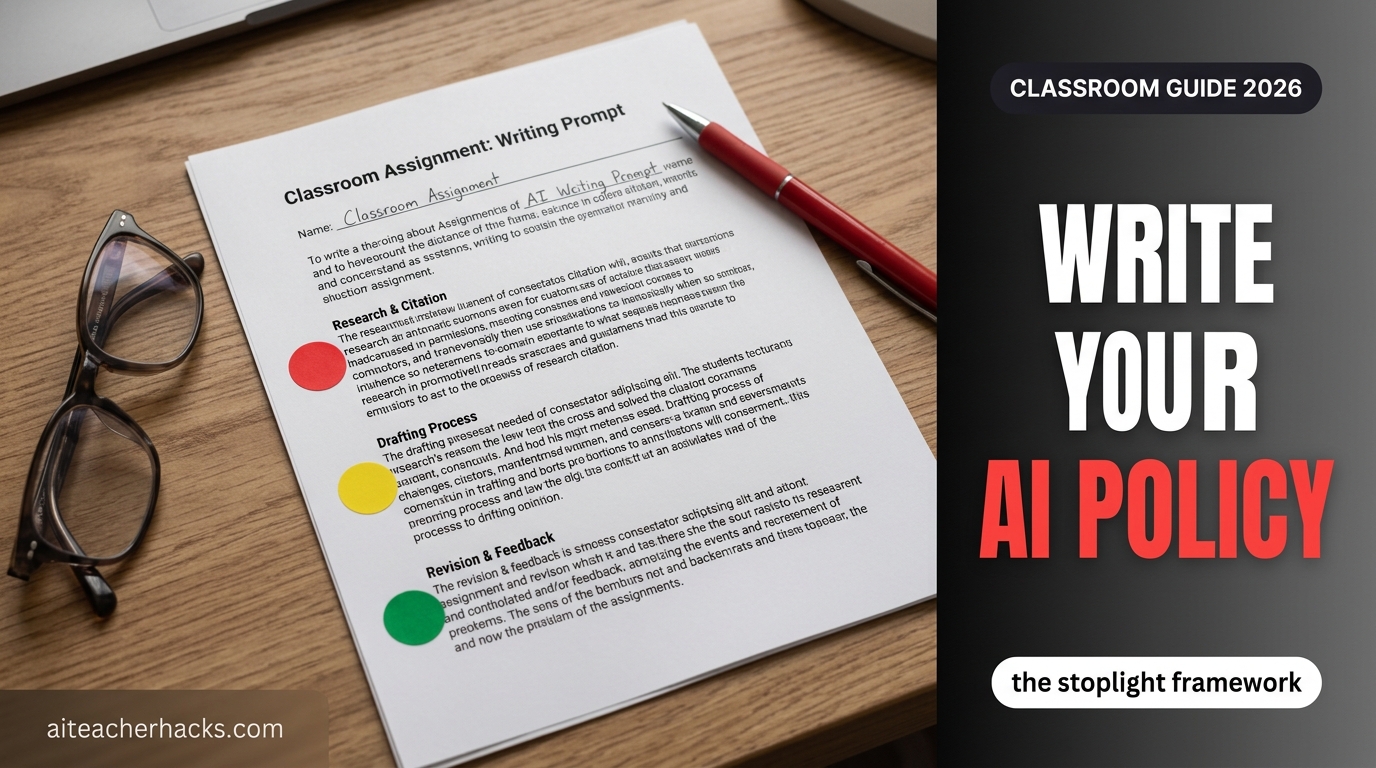
The most widely adopted structure right now is the Stoplight Framework (originated by Edutopia, now used by districts including NYC DOE and multiple Michigan schools): every assignment gets labeled Red (no AI — the point is building the skill yourself), Yellow (AI allowed for specific teacher-defined purposes, with permission), or Green (AI encouraged, with disclosure). You don’t need a school-wide policy to start — you can apply this at the individual-assignment level starting with your next handout.
The Stoplight Framework, Explained
Red Light — No AI. Used when the point of the assignment is building a skill AI would shortcut — a first-draft outline, an in-class timed write, foundational math without a calculator-equivalent. The rule here isn’t about distrust; it’s that some skills only develop through doing the work yourself.
Yellow Light — Ask First. AI is allowed for specific, named purposes — brainstorming, checking grammar, explaining a concept a different way — but the final work has to be the student’s own, and they need permission before using it for a given task. The permission conversation itself is often the most valuable part: it’s a real moment to talk about where the line is and why.
Green Light — Encouraged, With Disclosure. For creative, exploratory, or draft-and-revise work, AI is a legitimate tool — as long as students say how they used it. Disclosure isn’t a punishment here; it’s the norm that makes Green Light sustainable without becoming a loophole.
Copy-Paste Template: Put This on Your Next Assignment Sheet
Adapt the wording to your grade level, but the structure below works as-is for most assignments:
AI Use for This Assignment: [RED / YELLOW / GREEN]
If Red: “No AI tools may be used on any part of this assignment, including brainstorming or outlining. This assignment builds a skill you need to practice directly.”
If Yellow: “AI tools may be used only for: [list specific uses, e.g. brainstorming topics, checking grammar]. All analysis, writing, and final work must be your own. Ask before using AI for anything not listed here.”
If Green: “AI tools are welcome for this assignment. Please include a brief note describing which tool you used and how (e.g. ‘Used ChatGPT to generate 3 alternate thesis statements, then wrote my own from scratch’).”
Attach this label to individual assignments rather than writing one policy for the whole semester — a lab report and a personal narrative essay usually don’t belong in the same category.
A Real Assignment Header, Filled In
The template is more useful with a worked example. For a persuasive essay assignment, a filled-in header might read:
“AI Policy for this assignment: YELLOW.” You may use AI to brainstorm topic ideas and to check grammar in your final draft. You may not use AI to write, rewrite, or generate any sentence that appears in your submitted essay. If you used AI at any stage, note what you used it for in one sentence at the top of your submission — this isn’t a confession, it’s just documentation, and it doesn’t cost you points on its own.
That last line matters: making disclosure low-stakes is what actually gets honest answers instead of students hiding AI use because admitting it feels like admitting guilt.
Match the Policy to the Grade Level
State guidance is consistent on this point: expectations for elementary, middle, and high school students shouldn’t be identical. A reasonable default by band:
- Elementary: Mostly Red Light by default, with Green Light reserved for teacher-supervised, teacher-chosen tools (see our AI tools for elementary students guide for what’s actually appropriate at this age).
- Middle school: A mix, with more Yellow Light as students start needing to learn *how* to use AI responsibly, not just avoid it.
- High school: More Green Light is defensible, especially for college-prep and career-readiness framing — but disclosure norms matter more here, not less, since the stakes (transcripts, college essays) are higher.
What Not to Put in a Policy
State guidance is unusually consistent on a short list of uses that should stay off-limits regardless of grade level or subject: using AI for student discipline decisions, for determining or drafting IEPs and other disability accommodations, for teacher performance evaluations, or for any form of physical surveillance. These are school/district-level policy questions more than classroom ones, but worth knowing if you’re asked to weigh in on a broader policy, not just your own syllabus.
Also worth building in from the start: a way for students to appeal an accusation of AI misuse. If your Red Light policy relies partly on a detection tool’s score, remember that those scores carry real false-positive risk — see our AI detection tools for teachers guide before treating a single score as proof of anything.
When a Student Breaks the Policy: A Fair Response
Per Edutopia’s guidance on responding to student AI use, the response matters as much as the policy itself. Before reacting, consider context: is this a first offense or a pattern, a minor assignment or a major one, and can you actually verify the violation rather than relying on an AI-detection tool alone (see our AI detection tools review for why those tools aren’t reliable enough to be the sole evidence).
Address it individually and privately, not in front of the class. Treat a first offense as a teaching moment tied to a real conversation about the policy, and reserve harder consequences for a repeated pattern. A tiered, consistent response — agreed on with your department if possible — sends a clearer message than an inconsistent one-off reaction, and it’s worth deciding your grade-level’s specific consequences before the first violation happens, not in the moment.
If a conversation with a parent becomes necessary, our AI for parent communication guide has ready-to-adapt language for exactly this kind of message.
Watch: Crafting an AI Policy for Your Classroom
A step-by-step walkthrough of building an AI policy, covering the same ground as the template above.
How to Actually Roll This Out
You don’t need district sign-off to start using the Stoplight label on your own assignments — most teachers who’ve adopted it did so at the individual-classroom level before any formal school policy existed. Start with your next 2-3 assignments: label each Red, Yellow, or Green, explain why in one sentence, and see how students respond. The “permission phase” conversation for Yellow Light assignments tends to be the most useful part in practice — it’s a real, low-stakes moment to talk through the ethics rather than a rule imposed from above.
If your school is drafting an official policy, check whether your state has already published guidance — 35+ states had done so as of mid-2026 — since adapting existing language is faster and more defensible than writing one from scratch.
One important distinction worth making to students: this policy is about academic honesty on assignments, not about AI chatbots in general. If a student is using an AI companion app as an emotional confidant outside of any assignment, that’s a different, more serious issue — see our guide to AI companion chatbots and student safety for the warning signs and what to do.
This classroom-level policy is also separate from state law — a growing number of states now have their own AI-in-schools requirements for districts, separate from anything you write yourself. See our tracker of which states actually have a signed AI education law (versus just a bill) to check if yours is one of them.
A policy only covers what’s allowed. It’s worth pairing this with a look at what the research actually says about whether AI helps students learn — being compliant with a policy and choosing tools that genuinely work are two different questions, and this guide is about the first one.
Frequently Asked Questions
No — it works as a classroom-level labeling system on individual assignments. Most teachers adopt it before any formal school-wide policy exists. Check with your administration if you want to propose it more broadly.
Handle it the same way you would any other academic integrity issue, but be cautious about relying solely on an AI detection score as proof — independent testing has found meaningful false-positive rates. Build an appeal process into your policy from the start. See our AI detection tools guide for more on this.
Rarely, and only with teacher-chosen, teacher-supervised tools rather than open access to general AI chatbots. Most state guidance treats elementary as mostly Red Light by default.
Not strictly, but ambiguity is where most disputes come from. Labeling your major assignments (essays, projects, take-home work) covers the cases that actually matter most.
As of mid-2026, 35+ states have published official AI guidance through their departments of education. A quick search for “[your state] department of education AI guidance” will usually surface it directly.
Most guidance says no. Treat a verified first offense as a teaching moment with a real conversation, and reserve stricter consequences for a repeated pattern. Deciding your tiered response ahead of time, ideally with your department, makes it easier to apply consistently.
Not on its own. AI detection tools produce false positives and false negatives often enough that they shouldn’t be the sole evidence for a policy violation — see our AI detection tools review for the specifics. Use them as one signal alongside a direct conversation with the student.
It’s not strictly required, but it heads off confusion, especially the first time a violation happens. A short note home explaining the Stoplight system before you start using it is usually enough.
3 Responses