Table of Contents
Both SchoolAI and MagicSchool AI get filed under “AI tools for teachers,” and both show up on the same shortlists. But they answer completely different questions. One puts an AI chat window directly in front of your students, with you watching every message in real time. The other is a tool you use yourself to generate lesson plans, rubrics, and quizzes in seconds — students never touch it directly.
Picking between them isn’t really a head-to-head contest. It’s a question of what job you’re trying to get done — and for a lot of teachers, the honest answer is both, for different parts of the week.
The Quick Answer
SchoolAI is for putting AI directly in students’ hands — supervised, teacher-monitored chat “Spaces” for practice, discussion, and review. MagicSchool AI is for your own workload — 80+ tools that generate lesson plans, IEPs, rubrics, quizzes, and parent communication from a single prompt. If you want students interacting with AI under your watch, that’s SchoolAI. If you want to save hours on your own prep work, that’s MagicSchool.
What Each One Actually Is
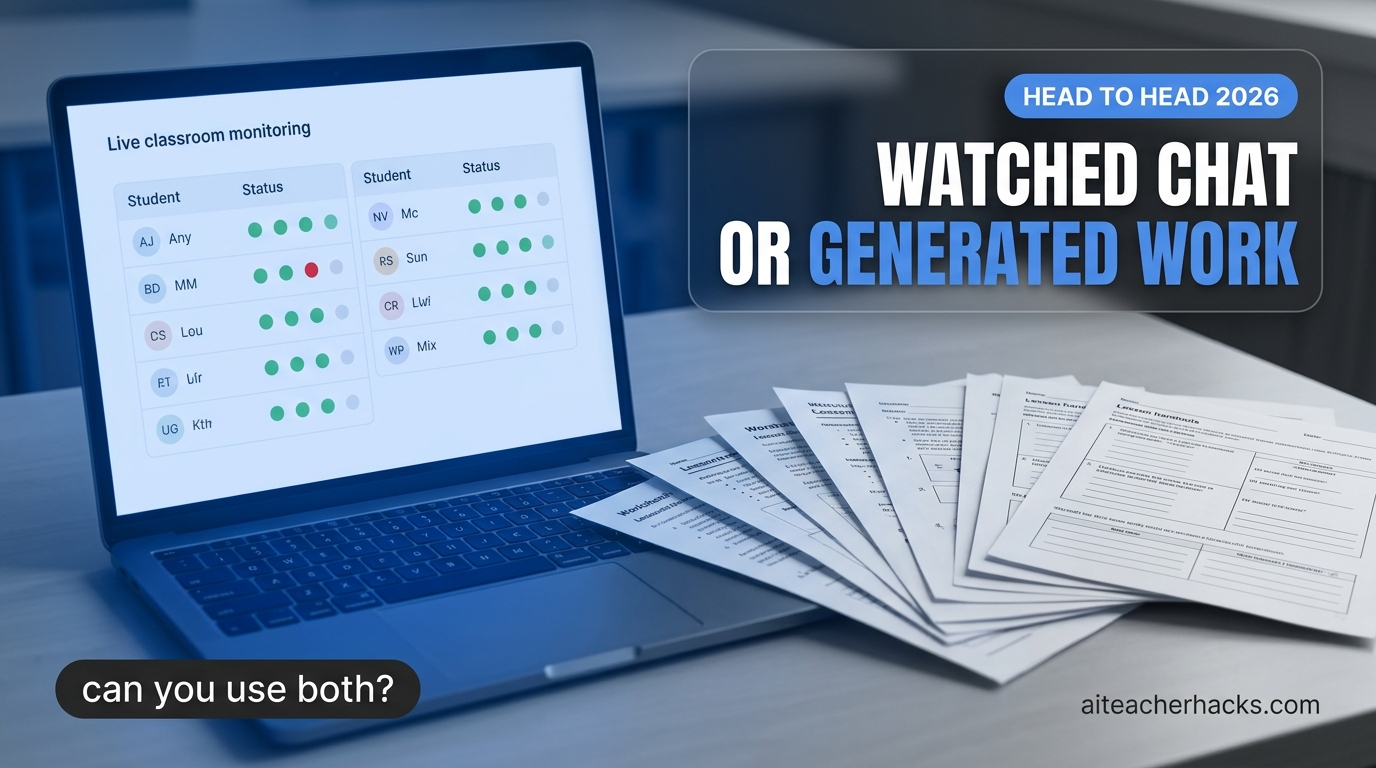
SchoolAI is built around “Spaces” — teacher-created AI activities (practice sets, Socratic discussions, review sessions, exit tickets) that students chat with directly. The feature that actually matters here is Mission Control: a live dashboard where you watch every student’s conversation as it happens, with automatic safety alerts if a chat drifts somewhere it shouldn’t. You’re not just assigning an AI tool and hoping for the best — you’re supervising it in real time, the same way you’d monitor a classroom activity.
MagicSchool AI takes the opposite shape. There’s no student-facing chat by default — you type what you need (a differentiated lesson plan, an IEP goal, a rubric, a quiz) and it generates a finished draft in its own tool for that task. With 80+ of these single-purpose tools plus dedicated IEP and SPED generators, it’s built to compress the parts of teaching that happen before or after class, not during it.
Side-by-Side: SchoolAI vs MagicSchool AI
SchoolAI | MagicSchool AI | |
|---|---|---|
Built for | Supervised student-facing AI chat | Teacher content generation, 80+ tools |
Who uses the AI directly | Students, inside teacher-built "Spaces" | The teacher only |
Oversight | Mission Control — live chat monitoring + safety alerts | Not applicable — no student-facing chat |
Free plan | Yes — up to 3 Spaces + Mission Control | Yes — 80+ tools, standard usage limits |
Paid plan | ~$5–$10 per student/yr (Pro) | $8.33/mo (Plus) |
Content library | 200,000+ premade Spaces | Dedicated IEP & SPED tools, MagicStudent |
Platforms | Web, Chrome extension | Web, Chrome extension |
Where SchoolAI Wins
- Direct student practice with real oversight. Nothing on the MagicSchool side puts AI in students’ hands at all — if that’s the goal, SchoolAI is the only one of the two built for it.
- Real-time safety visibility. Mission Control flags concerning messages as they happen, not after the fact.
- 200,000+ premade Spaces mean you rarely have to build an activity from scratch.
- SOC 2 Type II certified and supports 60+ languages, useful for multilingual classrooms.
What a SchoolAI Space Looks Like in Practice
A teacher builds a “Space” around a specific task — say, practicing Spanish conversation or getting Socratic-style help on a math problem — and sets the guardrails: what the AI can and can’t say, what topics are off-limits, how much it should scaffold versus answer directly. Students then work inside that Space directly, and the teacher gets a real-time, class-wide view of what every student is actually asking and how the AI is responding — not a summary after the fact, but live visibility while it’s happening. That real-time oversight is SchoolAI’s core differentiator over just handing students a general chatbot.
Student Safety: Why This Matters More Than for a Teacher-Only Tool
Because SchoolAI puts AI directly in front of students rather than just helping a teacher plan, the oversight design matters more here than for MagicSchool. SchoolAI’s real-time visibility into student conversations — not just a log you check later — is what lets a teacher catch a problem as it happens rather than discovering it afterward. If you’re choosing between the two specifically because you want students using AI directly, that live-oversight feature is the reason to lean SchoolAI rather than building a workaround in a general tool.
Watch: Using SchoolAI Spaces
SchoolAI’s own walkthrough of building and running a Space with students.
Where MagicSchool AI Wins
- Breadth of teacher workload covered. 80+ tools span lesson planning, assessment, differentiation, and communication — SchoolAI doesn’t attempt this at all.
- Dedicated IEP and SPED generators are a genuine standout, useful well beyond general lesson prep. See our AI tools for special education teachers guide.
- Faster time-to-output for the parts of teaching that happen outside class — a rubric or quiz in seconds instead of built by hand.
- Cheaper at scale for staff-only use since there’s no per-student licensing to budget for.
Can You Use Both?
Yes, and it’s a genuinely common setup — the two don’t compete for the same job. A teacher might use MagicSchool the night before to generate a differentiated reading passage and a matching quiz, then use SchoolAI the next day to turn that same content into a supervised Space students work through independently while the teacher runs Mission Control on a side screen. One tool handles your prep; the other handles the in-class AI interaction. Budget is usually the only real constraint on running both — SchoolAI’s per-student pricing scales with class size in a way MagicSchool’s flat staff pricing doesn’t.
Which Should You Actually Use?
Choose SchoolAI if: you want students actively using AI during class — practice, review, guided discussion — and you need to see what they’re typing and saying in real time. The free tier (3 Spaces + Mission Control) is enough to try this properly before paying anything.
Choose MagicSchool AI if: your bottleneck is your own workload — lesson plans, IEPs, rubrics, quizzes, parent emails — and you have no plan to put AI chat directly in front of students right now. It’s the broader toolkit and the cheaper starting point if you’re a single teacher, not a whole department.
Choose both if: budget allows and you want AI covering both sides of the job — your prep time and your students’ in-class practice.
Frequently Asked Questions
SchoolAI is designed for teacher-supervised use — Mission Control gives real-time visibility into every student conversation, plus automatic safety alerts. It’s built to be used with a teacher watching, not as a fully unsupervised tool.
Not by default. MagicSchool is primarily a teacher-facing generation tool. Its MagicStudent feature adds some student-facing functionality, but the core product is built around teacher workflows, not supervised student chat.
Both have usable free plans. At scale, MagicSchool’s flat per-staff pricing ($8.33/mo Plus) is usually cheaper than SchoolAI’s per-student pricing (~$5–$10/student/yr) once you’re licensing an entire class or school for direct student use.
Yes — SchoolAI’s free plan includes 3 Spaces with full Mission Control access, and MagicSchool’s free plan includes all 80+ tools with standard usage limits. Neither requires a paid plan to evaluate the core experience.
MagicSchool does — it has dedicated IEP and SPED generation tools built in. SchoolAI doesn’t have an equivalent dedicated feature set, though its Spaces can be built around differentiated content.
Yes — SchoolAI’s teacher view shows live, class-wide visibility into student conversations as they happen, not just a log to review afterward. That’s its core advantage over handing students a general-purpose chatbot directly.
MagicSchool is built primarily as a teacher-side tool for planning, differentiation, and admin tasks rather than direct, ongoing student use. If you want students actively working with AI under supervision, SchoolAI’s Spaces are purpose-built for that; MagicSchool isn’t.
Many teachers do use both, since they solve different problems — MagicSchool for your own planning and workload, SchoolAI for supervised student-facing AI use. Whether it’s worth the cost depends on how much direct student AI use you actually plan to do.