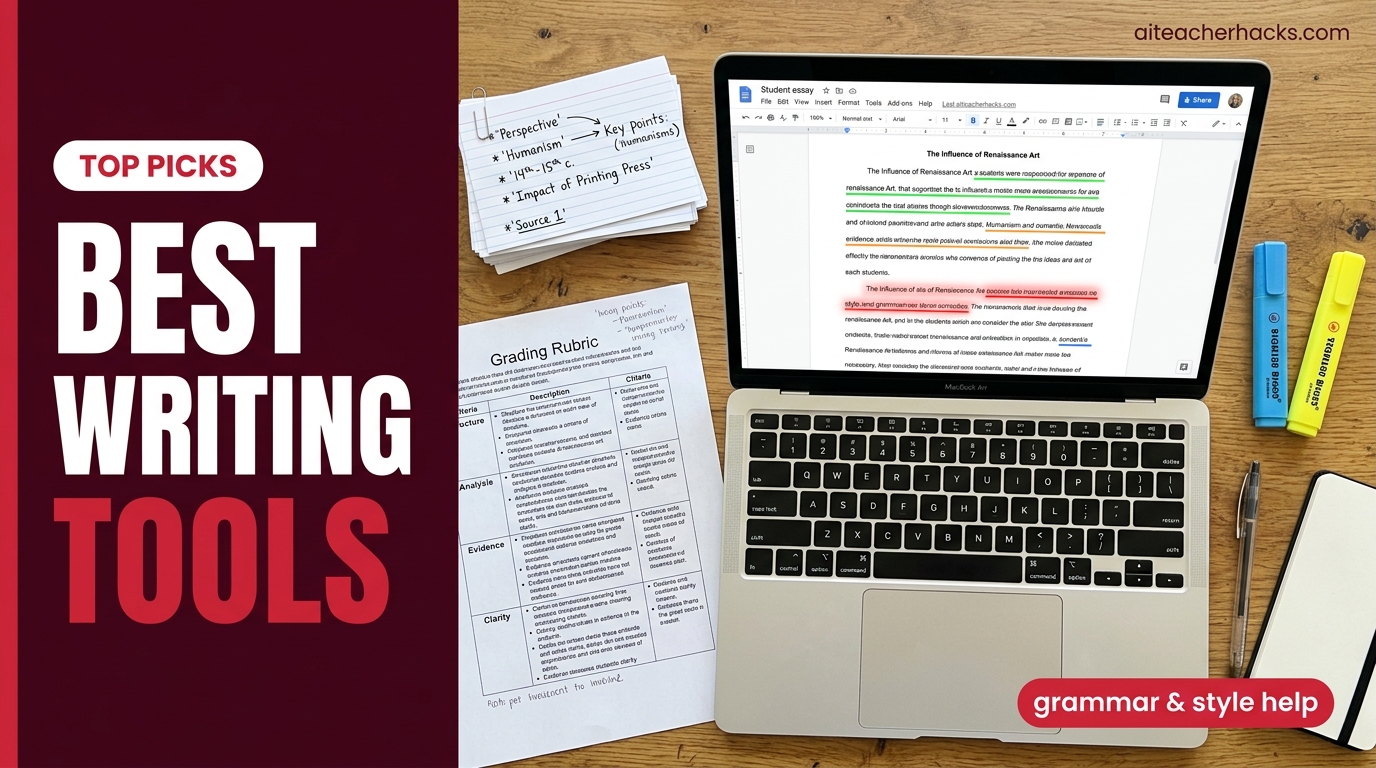
Every teacher has felt it — the essay that reads slightly too polished, the argument structure a little too clean, the vocabulary a little too advanced for a 9th grader who struggled with last week’s paragraph writing.
AI writing tools for students are everywhere in 2026. The question teachers are actually asking is not whether students are using them — they are. The question is which tools genuinely help students become better writers, and which ones just do the writing for them.
This guide covers the best AI writing tools for students in 2026 from a teacher’s perspective — what each tool actually does, how to recommend them responsibly, and how to design assignments that work with these tools rather than pretending they do not exist.
Table of Contents
The Right Way to Think About AI Writing Tools for Students
Before diving into specific tools, this framing matters.
The familiar approach is to paste an essay prompt into ChatGPT and submit what comes back. It works once, gets caught more often than students realize, and reliably produces a graduate who cannot reason through a hard problem. The studious approach is to use AI as a thinking partner — grounding yourself in sources, holding your evolving understanding on a canvas, and refining writing you actually drafted. The goal is not faster essays. It is better understanding that produces better essays.
The tools that genuinely help students write better are the ones that make weaknesses visible — gaps in reasoning, unclear topic sentences, weak evidence — rather than tools that write paragraphs on demand.
Use AI as a writing aid, not a ghostwriter. The ideas should be the student’s. The AI helps express them better. Verify every source. Disclose AI use according to institutional guidelines.
With that framework, here are the tools worth recommending to students in 2026.
1. Grammarly — Best AI Writing Tool for Student Grammar
Grammarly is a strong option for grammar and clarity support, though students should still follow their school’s or instructor’s policy on AI-assisted writing tools.
What it actually does:
Grammarly handles the mechanics — grammar mistakes, punctuation errors, unclear sentences, passive voice, and wordiness. Install the browser extension and it works everywhere. The free tier catches the vast majority of grammar issues. Premium adds tone adjustments and advanced clarity suggestions.
Why teachers can recommend it confidently:
Grammarly does not write for students. It edits what they already wrote. That is a meaningful distinction. A student who uses Grammarly is still doing the thinking and the writing — they are just getting feedback on the mechanics, which is exactly what teachers provide in conferences anyway.
Who it works best for: Every student. Elementary through college. The free version is genuinely useful.
Pricing: Free plan covers most needs. Premium at ~$12/month adds advanced suggestions.
Honest limitation: Grammarly’s AI suggestions occasionally change meaning unintentionally. Teach students to read every suggestion critically rather than accepting all changes blindly.
2. ChatGPT
ChatGPT is the most flexible option on this list for students, helping with writing, studying, brainstorming, coding, and research.
But the way students use ChatGPT for writing matters enormously.
The right way to use ChatGPT for writing:
Staring at a blank page is the hardest part of academic writing. AI eliminates this block by giving students raw material to react to.
Here is the workflow that keeps learning intact:
Step 1 — Brainstorming: “Give me 10 possible arguments I could make about [topic]. Do not write the essay — just list possible angles.”
Step 2 — Outline review: “Here is my outline for this paper. Review it for logical flow, gaps, and structure. Suggest improvements but do NOT write any sections.”
Step 3 — Draft review: “Review my essay as if you were the professor grading it. Identify the weakest argument, the most unclear paragraph, and one thing I should cut.”
The “do NOT write any sections” instruction is critical. Without it, AI will generate paragraphs of content, which crosses from outlining assistance into ghostwriting.
Who it works best for: High school and college students who need help getting started and organizing ideas.
Pricing: Free plan available. Plus at $20/month for heavier users.
For teachers who want to use ChatGPT themselves, see our guide on how to use ChatGPT to write lesson plans.
3. NotebookLM
NotebookLM is Google’s AI research tool and one of the most underused student writing tools available in 2026 — especially for research papers and essays that require source-based evidence.
NotebookLM grounds students in sources — they upload their research materials and the AI helps them interact with those sources through questions, summaries, and connections. What makes NotebookLM exceptional is its ability to stay strictly within the provided sources, preventing hallucinations and ensuring accuracy.
How students use it for writing:
- Upload 5–10 sources for a research paper
- Ask NotebookLM to identify the main arguments across all sources
- Ask it to find quotes that support a specific thesis
- Generate a source-grounded outline based on uploaded materials
- Create a study guide that synthesizes key points
The crucial difference from ChatGPT: NotebookLM only uses the sources you upload. It cannot make things up from the internet. For academic writing, this is a significant trust advantage.
Who it works best for: Middle and high school students writing research papers, literature reviews, and evidence-based essays.
Pricing: Free through Google Workspace for Education.
4. QuillBot — Best Paraphrasing Tool for Students
QuillBot is particularly useful for paraphrasing and sentence-level revision. QuillBot handles paraphrasing and is one of the best tools for revision work alongside Grammarly and content feedback tools.
What it actually does:
QuillBot rewrites sentences and paragraphs in different styles — standard, formal, academic, creative — while preserving the core meaning. Students use it to rephrase source material in their own words and to revise awkward sentence structures.
The honest teacher perspective on QuillBot:
QuillBot sits in a gray area. Used to help a student express a genuinely understood idea more clearly — useful. Used to paste a source and hit “paraphrase” to avoid actually reading it — academically dishonest. How you teach students to use it determines which category it falls into.
Who it works best for: Students who struggle with sentence-level writing fluency and need help expressing ideas they already understand.
Pricing: Free plan includes two paraphrasing modes (Standard and Fluency) with a 125-word limit per input — enough to try the tool, but too restrictive for paragraph-length student writing. Premium runs roughly $8.33/month on an annual plan or $19.95/month billed monthly. Check quillbot.com for current pricing before recommending, as it changes fairly often.
5. Khanmigo
For K-12 students specifically, Khanmigo’s writing workshop feature is one of the most pedagogically responsible AI writing tools available.
Unlike tools that write for students, Khanmigo guides students through writing tasks using the Socratic method — asking questions, offering hints, and helping students think through their own arguments rather than generating content for them.
Best writing features for students:
- Writing workshop that coaches without writing
- Debate practice — argues the other side to strengthen student arguments
- Essay outline guidance through questions
- Vocabulary and grammar coaching in context
For teachers concerned about academic integrity, Khanmigo is a strong option for guided writing support because it is structurally designed to prevent answer dependency.
Read our full Khanmigo review for the complete breakdown.
Pricing: Free for teachers. $4/month or $44/year for students.
6. Hemingway Editor
Hemingway Editor is a free tool that analyzes writing for readability — highlighting sentences that are too long, overly complex, or use passive voice unnecessarily.
It does not rewrite anything. It shows students where their writing is hard to read and lets them fix it themselves. That is exactly the kind of feedback that builds writing skill rather than replacing it.
Color-coded feedback system:
- Yellow — sentence is long and could be split
- Red — sentence is very hard to read
- Purple — a simpler word exists
- Blue — adverb that could be removed
- Green — passive voice
Who it works best for: Middle and high school students who write long, complex sentences that lose the reader. Also excellent for ESL students learning to write clearly in English.
Pricing: Free online version at hemingwayapp.com. Desktop app at $19.99 one-time purchase.
7. Turnitin Draft Coach
Turnitin is best known as a plagiarism detection tool for teachers. But the student-facing version — Draft Coach — serves a different purpose.
Draft Coach lets students run a similarity check and citation check on their own work before submitting, with grammar suggestions alongside — it does not include AI-writing detection, which stays a teacher-side Turnitin feature. Rather than catching students after the fact, it teaches them to self-check and revise before the teacher sees it.
Why this matters for teachers: Students who use Draft Coach proactively are less likely to submit work that triggers plagiarism flags. It shifts the conversation from punishment to learning.
Who it works best for: High school and college students writing research papers where source citation and originality matter — if their school has enabled it.
Access: Draft Coach only appears in Google Docs or Word Online if a school’s Turnitin administrator has specifically licensed and enabled it as a separate add-on. Students cannot install it independently, and having Turnitin at all does not guarantee Draft Coach is turned on — check with your IT department or librarian before recommending it.
Pricing: Typically school-funded through institutional Turnitin licenses.
The AI Writing Tools to Be Careful About
Not every popular AI writing tool belongs in a K-12 classroom. Teachers should be aware of these:
Essay writing generators — Tools marketed specifically to write complete essays from a prompt. These have no legitimate educational use at the K-12 level. They produce the essay, not the student.
AI humanizers — Tools specifically designed to make AI-generated text undetectable. These exist entirely to circumvent academic integrity detection. No legitimate student use case.
Unverified citation generators — Several AI tools generate citations automatically but include fabricated sources. Always require students to verify every citation manually regardless of which tool generated it.
Verify every source. Even tools with academic databases can make mistakes. AI citation tools are particularly unreliable.
How to Design Writing Assignments in the AI Age
This is what most AI writing tool guides skip entirely — and it is the most important section for teachers.
The best defense against AI ghostwriting is not detection software. It is assignment design that makes AI-generated work useless.
Strategies that work:
Require personal experience. “Analyze this poem using a memory from your own life as the interpretive lens.” ChatGPT cannot access the student’s memories.
Make it hyper-specific. “Reference the class discussion from Tuesday and our annotation of page 47.” AI cannot attend your class.
Require process documentation. Outlines, drafts, and revision history in Google Docs create a paper trail that shows whether the student actually wrote it.
Use Brisk Teaching’s Inspect Writing. As covered in our Brisk Teaching review, this feature shows a video replay of how the document was written — catching pasted AI content immediately.
Stage the writing. Collect outlines before drafts, drafts before finals. Each stage is harder to fake with AI.
Recommended AI Writing Stack for Students by Grade Level
Elementary (K-5):
- Khanmigo — writing coach that guides without writing
- Grammarly — basic grammar and mechanics feedback
Middle School (6-8):
- Grammarly — grammar and clarity
- Hemingway Editor — readability and sentence complexity
- NotebookLM — research-based writing support
- Khanmigo — Socratic writing coaching
High School (9-12):
- Grammarly — grammar and advanced clarity
- NotebookLM — research papers and source-based essays
- ChatGPT — brainstorming and outline review only
- QuillBot — paraphrasing and revision
- Turnitin Draft Coach — self-check before submission
Total cost for students: $0 to $4/month depending on tools chosen.
Conclusion
No AI writing tool in 2026 can:
- Develop a student’s genuine voice and perspective
- Build the critical thinking that produces strong arguments
- Replace the experience of struggling productively with a hard idea
- Teach a student what they actually think about something
Students who know how to use AI effectively in 2026 are learning faster and saving hours every week. The difference is no longer intelligence alone — it is leverage. But leverage only helps students who are actually doing the thinking. AI writing tools that do the thinking instead produce students who cannot write when the AI is not available — which is exactly what happens in exams.
The goal is better writers, not better AI outputs.
The best AI writing tools for students in 2026 are the ones that make student thinking more visible — not the ones that replace it. Grammarly, NotebookLM, Hemingway Editor, and Khanmigo all sit firmly in the first category. They make weaknesses visible and let students fix them.
Recommend those tools to students and parents confidently. Design assignments that require genuine student thinking. Use Brisk Teaching to monitor writing process integrity.
The teachers who figure out how to work with AI rather than against it will have students who write better — not just faster.
For more teacher AI strategies, check out our guides on AI for classroom management, how to detect AI writing in student work, and the best AI tools for high school teachers.